
Questions and Answers
Site Unreachable
If you see "The webpage is not available", "We have trouble finding that site".
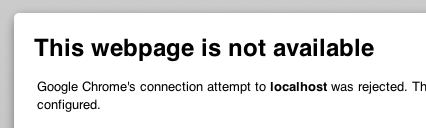
Answer: Your local webserver (Apache) is not running. Please start it via EasyPHP or MAMP control program/panel.
Blank page
You PHP version is probably too low. Try to use PHP 8 at least.
URL not found (404)
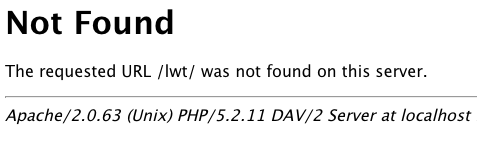
Answer: The server is running, but the application is not found. Maybe the Uniform Resource Identifier (URI) is wrong or misspelled. Please check/correct it. Or the URI is correct, and the application is installed, but not in the correct directory lwt below htdocs. Please install/copy/move it into the correct directory.
Database connection error

Answer: Either the database (MySQL/MariaDB) is not running, or the database connection parameters in your .env file are wrong. Please check/correct the database connection parameters and/or start MySQL via the MAMP or EasyPHP control program/panel.
Cannot find .env

Answer: The Webserver and the database is running, but the database connection parameter file .env is not found. Please copy .env.example to .env and configure your database credentials.
Do not run on Linux after installation/update
If LWT installed or updated LWT on Linux, but the application does not run as expected.
Answer 1: The Webserver does not have full access to all LWT files (insufficient rights). Open a terminal window, go to the directory where the directory "lwt" has been created with all LWT files, e. g.
cd /var/www/html
Now execute: sudo chmod -R 755 lwt.
Answer 2: The PHP "mbstring" extension is not installed. Please install it: see this article.
MeCab not detected
LWT cannot find MeCab, you can do the following steps:
On Linux or Mac:
- Open a terminal.
- Type
mecab -vto get the current MeCab version. If nothing is displayed MeCab is not installed. - If MeCab is already installed, the path may be missing. If you are using MAMP type
printf 'export PATH="/usr/local/sbin:/usr/local/bin:/usr/bin:/bin:/usr/sbin:/sbin"' >> /Applications/MAMP/Library/bin/envvars